
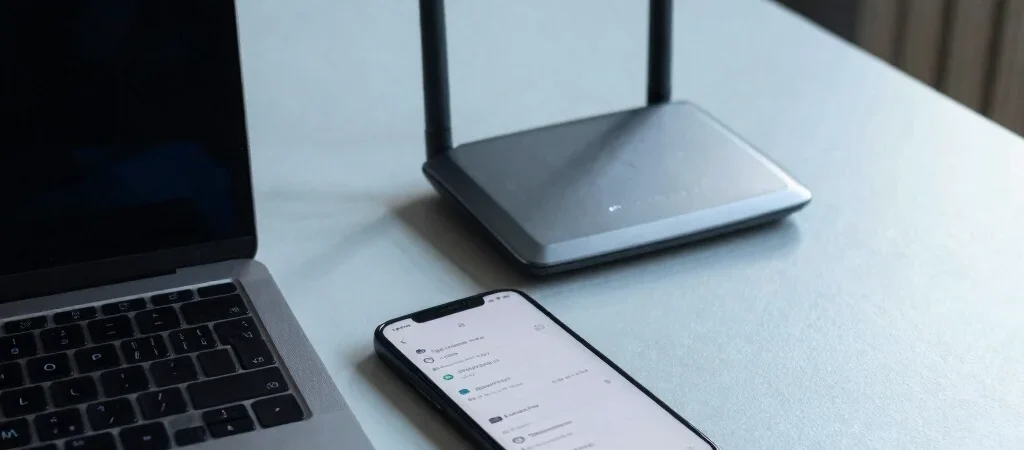
You need internet for a laptop, and your phone is already in your hand. Turning on its hotspot is the quickest option, but the choice looks different when several people need to work, study, or stream at home. The right setup depends less on the word “router” and more on how often you connect, where the signal reaches, and what your data can support.
When a phone hotspot fits
A hotspot makes sense for occasional laptop use, travel, or a short outage, because it uses the phone’s mobile connection without another internet device. It can also be useful where you are still checking which network performs well in your room or neighborhood. Keep in mind that the laptop’s browsing, video calls, and updates all use the phone’s data, and the phone may need charging during longer sessions.
What a router changes
A router gives multiple devices a shared Wi-Fi point, but it does not automatically provide internet. A SIM-based router still depends on mobile coverage and a suitable data plan, while a fixed service depends on availability at your address. Before choosing, check the provider’s coverage or service availability for your location and consider where the router can sit for a stronger signal.
Match the setup to your routine
For one laptop used now and then, a phone hotspot may be enough; for several regular users, a dedicated router can be easier to manage. Compare the data each setup will use, including automatic PC updates and video meetings, and think about what happens when electricity is interrupted. A practical first step is to test the connection where you actually work, not just beside a window or outdoors.