Telecom & PC internet

Clear answers for everyday internet use

Dellsync explains telecom networks and PC internet settings in plain English, written for Nigerian readers who want to understand what is happening and what to check next.

What we cover

Three areas, explained step by step

Each topic is written around the practical questions Nigerian readers ask when a connection is slow, a setting is unclear, or a new device needs configuring.

Mobile data

Cellular data setup

Understand APNs, network modes, and data plan settings on Android and iPhone so your mobile connection works as expected.

Home network

Router configuration

Learn what the admin page controls, how to change Wi-Fi settings safely, and how to check whether the modem or router is the source of a fault.

Desktop

PC internet troubleshooting

Work through DNS, adapter, and driver checks on Windows and Linux so you can separate a computer problem from a network problem.

Local context

Signal patterns meet the hardware in your room

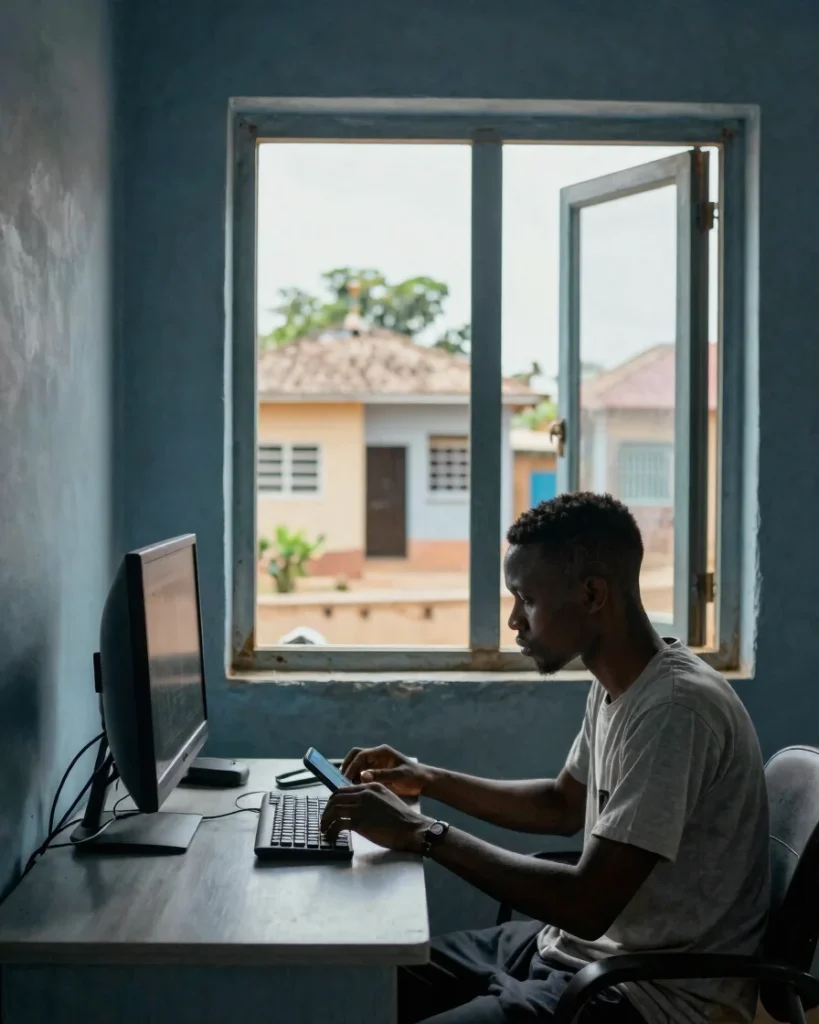
Cellular coverage in Lagos, Abuja, Port Harcourt and smaller towns varies by street, building material, and time of day. A laptop or desktop sitting near a thick wall or a crowded router can behave very differently from one placed near a window.

We explain how those local conditions interact with home and office PCs, so you can test the device, the router, and the network one layer at a time instead of guessing.

Get the weekly explainers by email

Receive one telecom or PC internet walkthrough each week, written for everyday Nigerian connectivity.